01
Get supplier access
Download the supplier information and guide instantly after payment.
Businesses want more happy customers to leave reviews. The challenge? Getting them to actually do it. NFC review cards make leaving a Google review as easy as a simple tap.
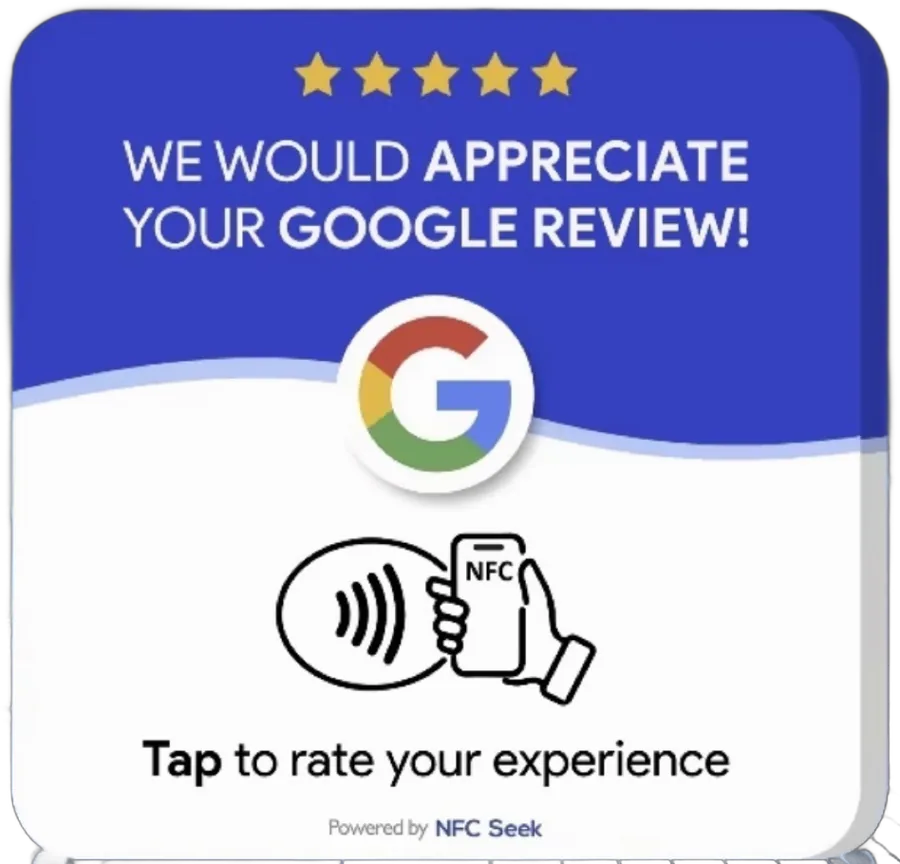
A customer might love their experience and still walk out without leaving a review. For a business trying to build social proof, that lost opportunity matters.
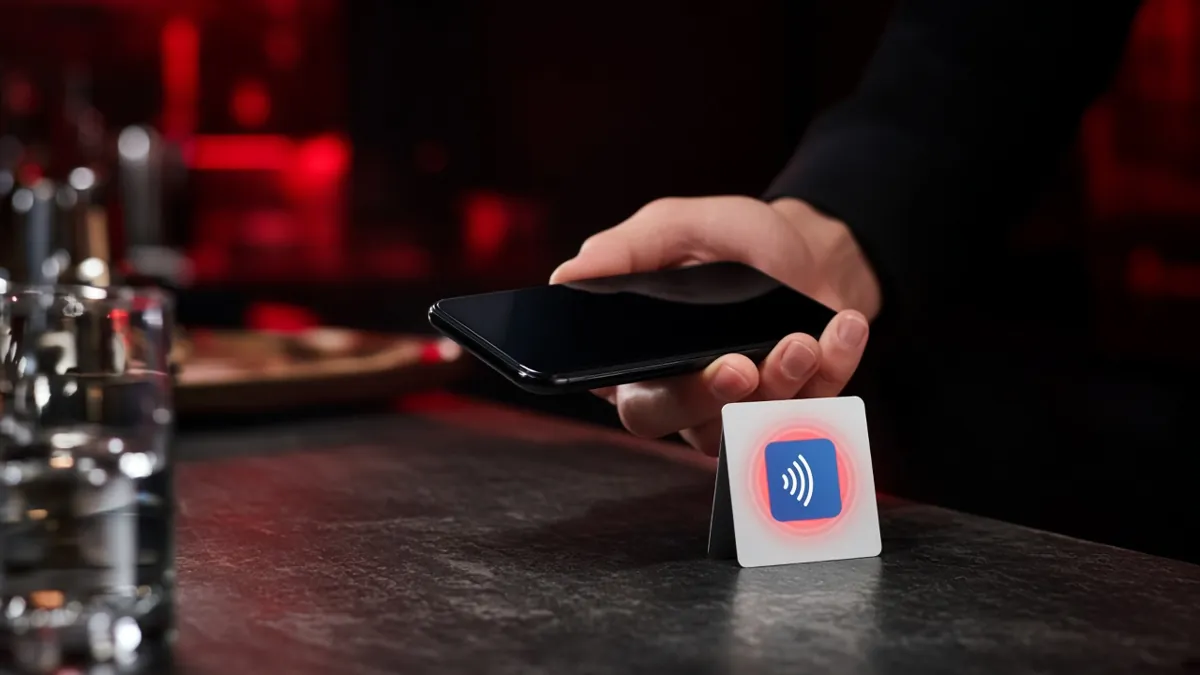
An NFC review card gives customers a physical reminder at the right moment. They tap their phone, the business's review page opens, and they can leave feedback in seconds — no searching, no typing URLs.
Identify an existing business need, source the product, create your own offer and find businesses that need it. The supplier gives you a starting point.
Clinics. Retail stores. Auto businesses. Contractors. Real estate professionals. Many local businesses care about customer feedback and social proof.
The real NFC Google review cards from the supplier. A customer taps the card with their phone and the business's review page opens.
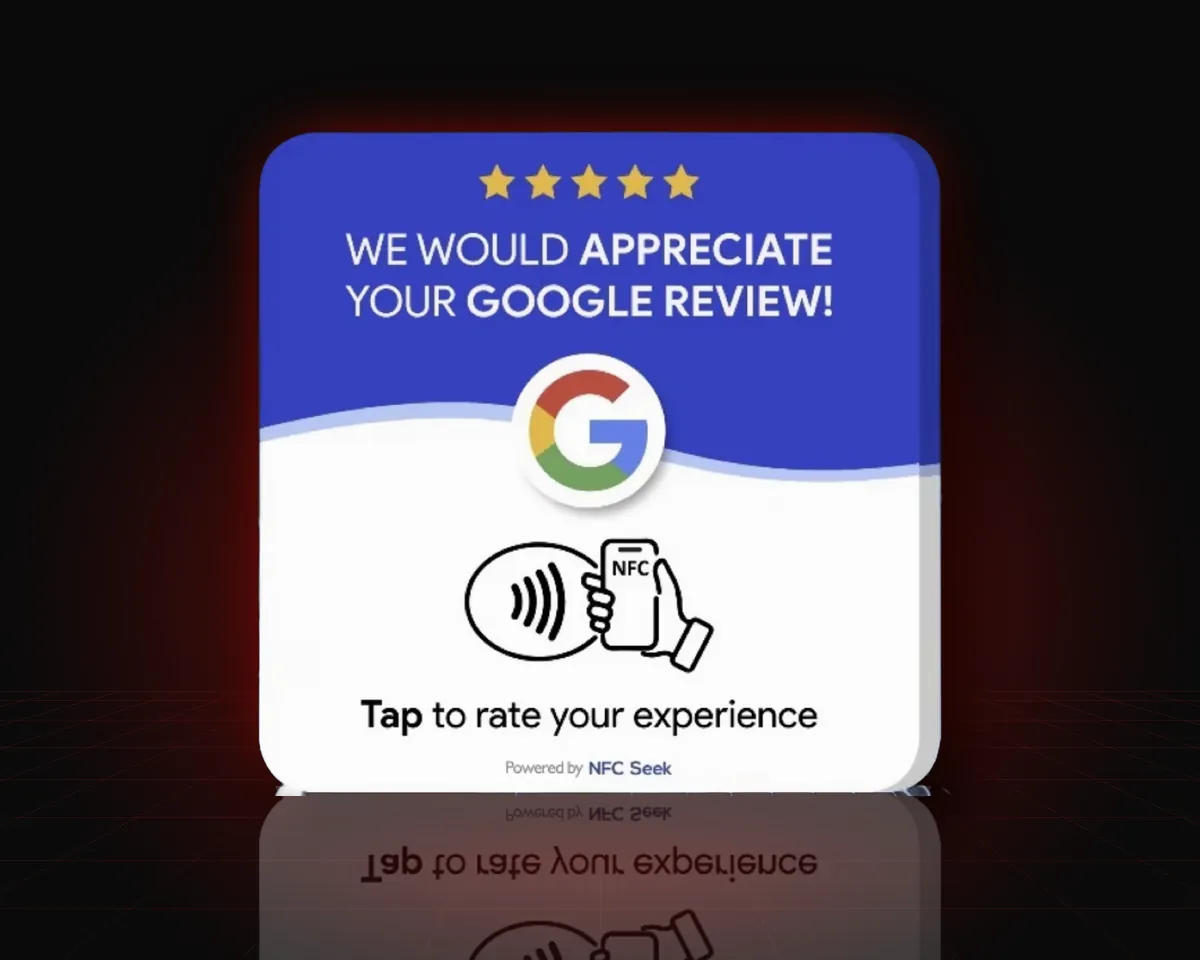
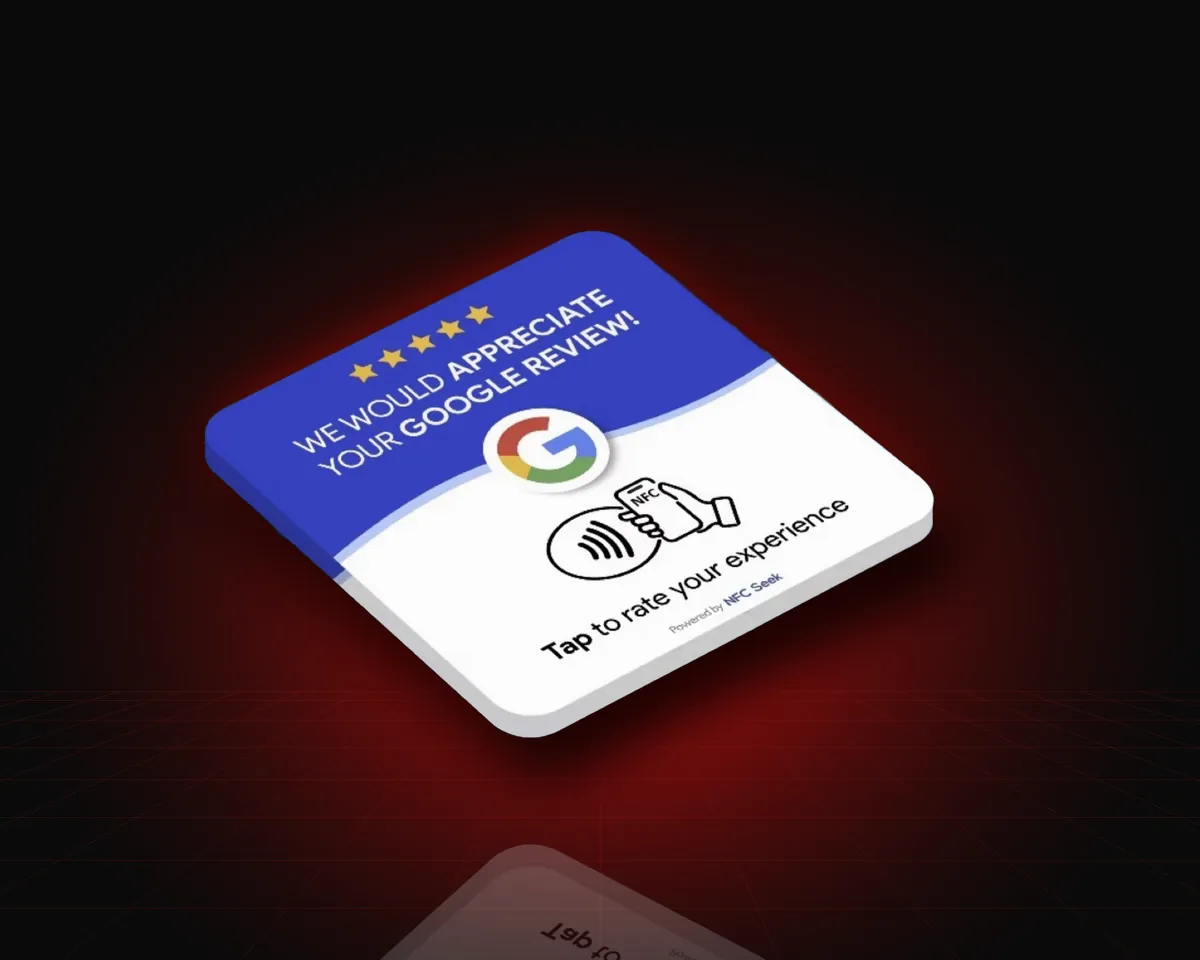
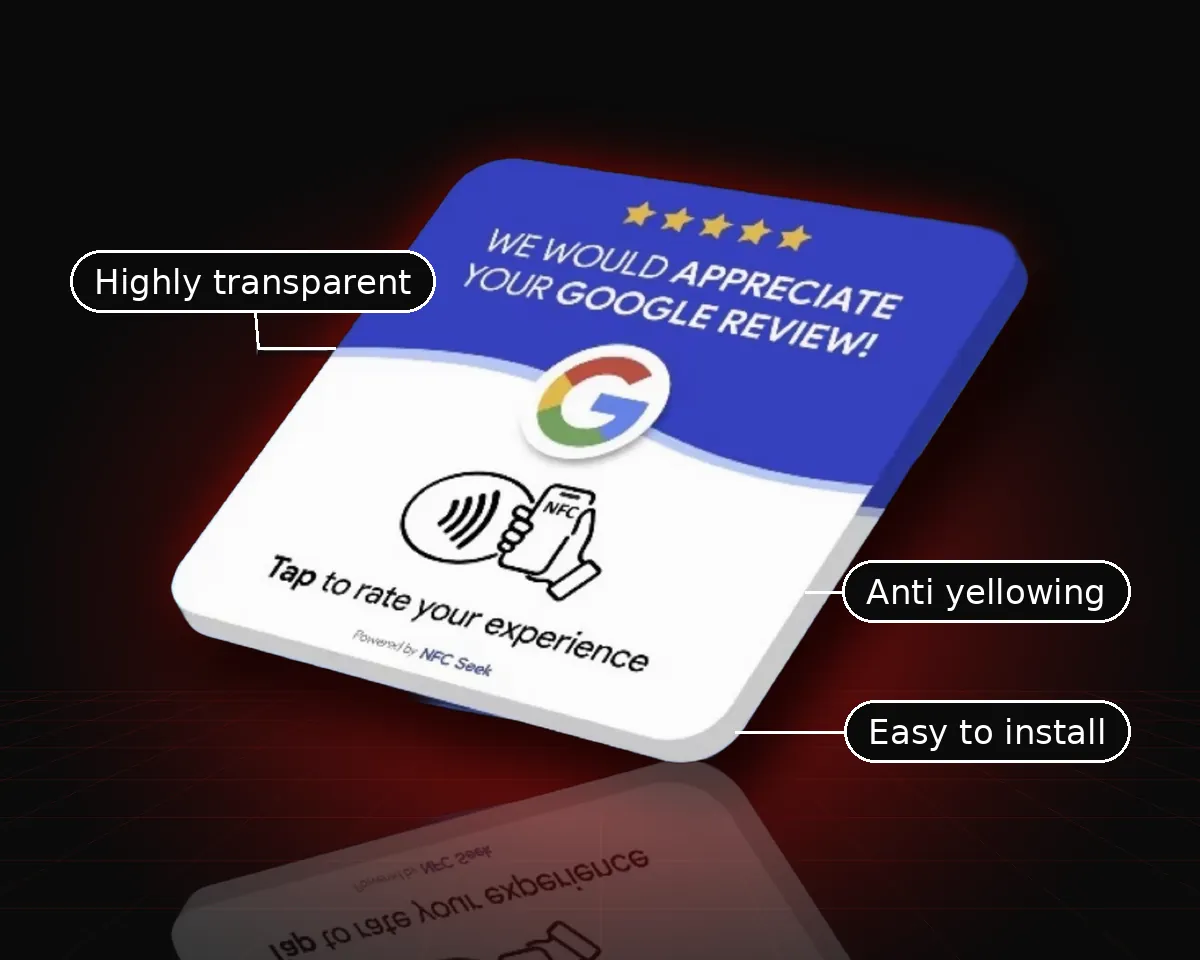
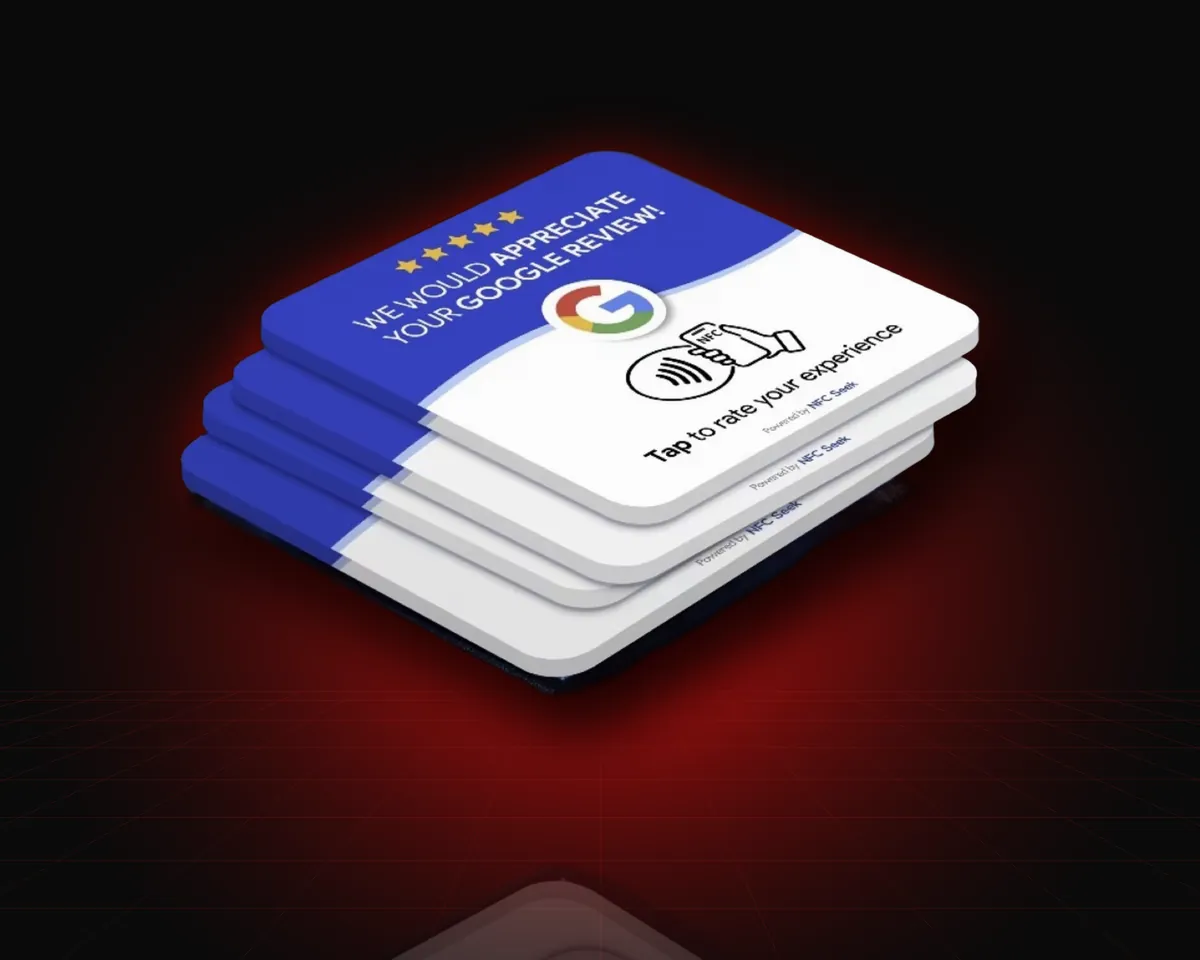
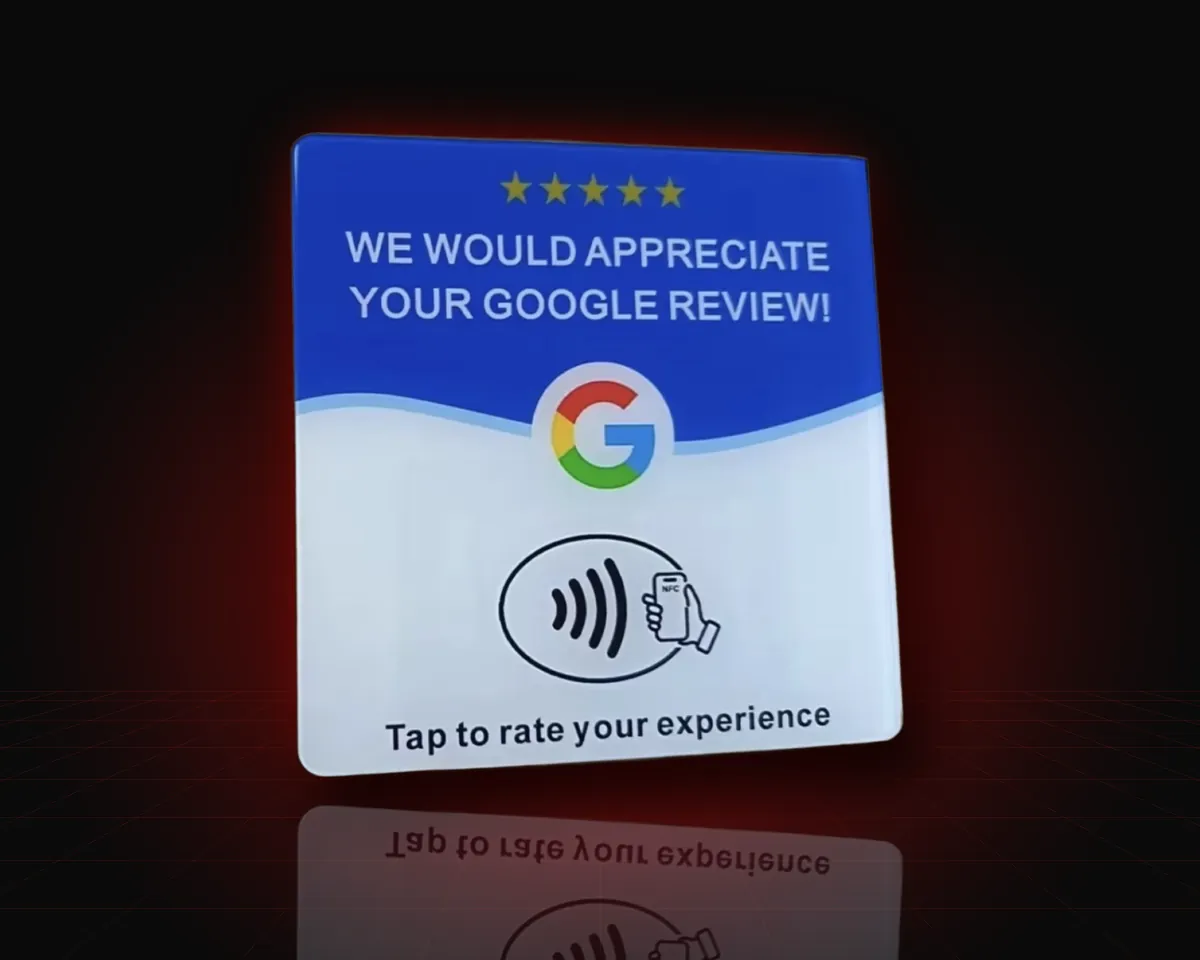
Download the supplier information and guide instantly after payment.
Discuss products, pricing, quantities, customization and shipping directly.
Choose your positioning, pricing, branding and customer acquisition strategy.
Reach businesses that have a reason to make collecting reviews easier.
A plain look at what you pay for. You set your own prices, and your costs and results are up to you.
Card prices are an example supplier quote, not a promise. This page doesn't predict sales, revenue or profit. Results depend on your pricing, marketing, customers, costs and effort.
A digital supplier-access package: the contact details of a supplier of NFC review cards plus a short starter guide covering how to set up the cards and approach businesses. You are not buying physical cards from us, a business, or a guaranteed income.
Yes — the idea is that you buy cards from the supplier and sell them under your own offer. Confirm any branding, customization and resale terms directly with the supplier, and follow your local business and tax rules.
Not necessarily. Minimum order quantities are set by the supplier, so ask about small starter orders or samples first. Many people test with a small batch before ordering more.
Absolutely. Local businesses that rely on reputation — clinics, salons, restaurants, auto shops, contractors and more — are the most natural customers. You can approach them in person, by phone, by email or online.
After you pay on our secure Stripe checkout, you're taken straight to a private download page where you can download the supplier information and starter guide instantly. Stripe also emails you a receipt. From there you contact the supplier, order your cards, set them up with the free NFC Tools app (see the tutorial below) and offer them to businesses.
Because this is a digital product, all sales are final once it has been delivered (you get an instant download after payment). If you couldn't download it or have a problem with delivery, contact us within 7 days of purchase so we can sort it out. See the full Refund Policy.
Most modern iPhones and Android phones can read NFC tags. For phones without NFC, many cards also include a printed QR code — ask the supplier which options they offer.
Supplier access gives you information to explore this product idea. Results depend on your pricing, marketing, customers, costs and execution. No income guaranteed.
In the business's Google Business Profile, choose "Ask for reviews" (or "Share review form") and copy the link.
Download the free NFC Tools app from the App Store or Google Play.
Open Write → Add a record → URL / URI and paste the Google review link.
Tap Write and hold the card near your phone — the top edge on iPhone, the center back on most Androids — until it confirms.
Tap the card with a different phone and make sure the review page opens. Optionally lock the tag in NFC Tools (permanent — test first).
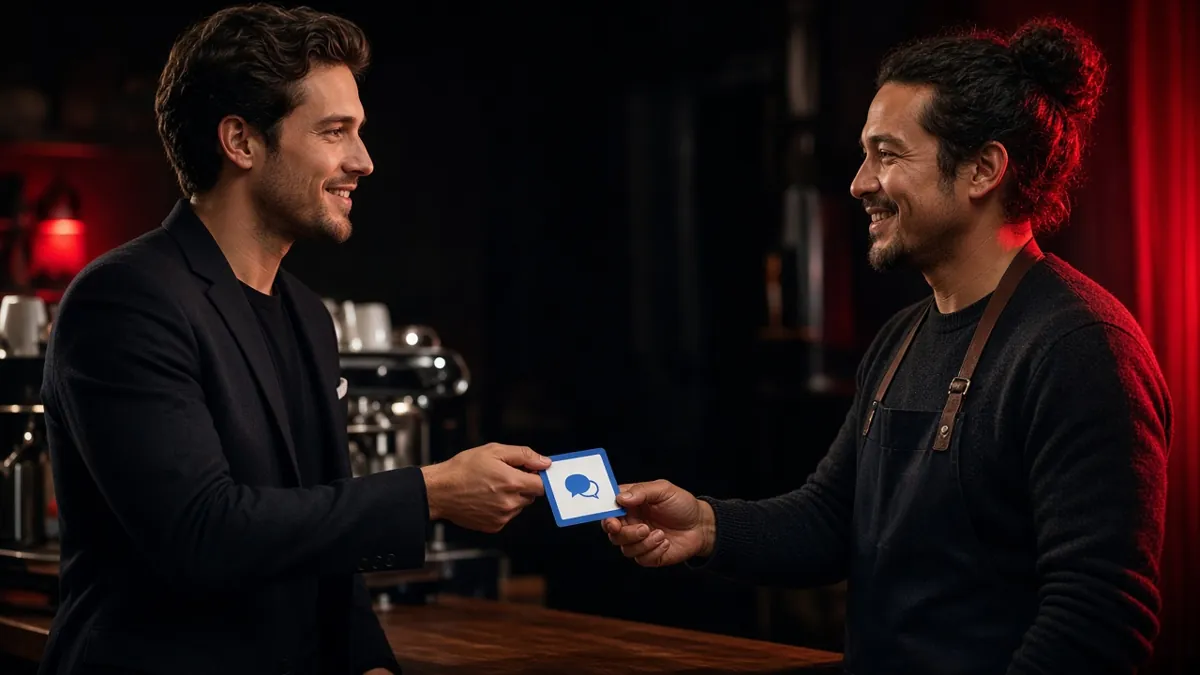
Bring a programmed demo card to businesses. Let owners tap it themselves — the demo does the explaining.
After paying by PayPal or Zelle, email your receipt to omarganon@yahoo.com and we'll send your download link.
What happens next: pay securely through Stripe, then you're taken straight to a private page to download the supplier info and starter guide. Stripe also emails a receipt.
No income guaranteed. Results vary. By purchasing you agree to our Terms and Refund Policy.